10 Prompts to Try Once Your AI Can Read Your WhatsApp
Connecting an AI to your WhatsApp is step one. The real question is what to ask it. Here are 10 prompts that earn their keep, grouped by job. Copy them, swap in your own names, and adapt. (If you have not connected yet, start with Claude, ChatGPT or Grok.)
Catching up
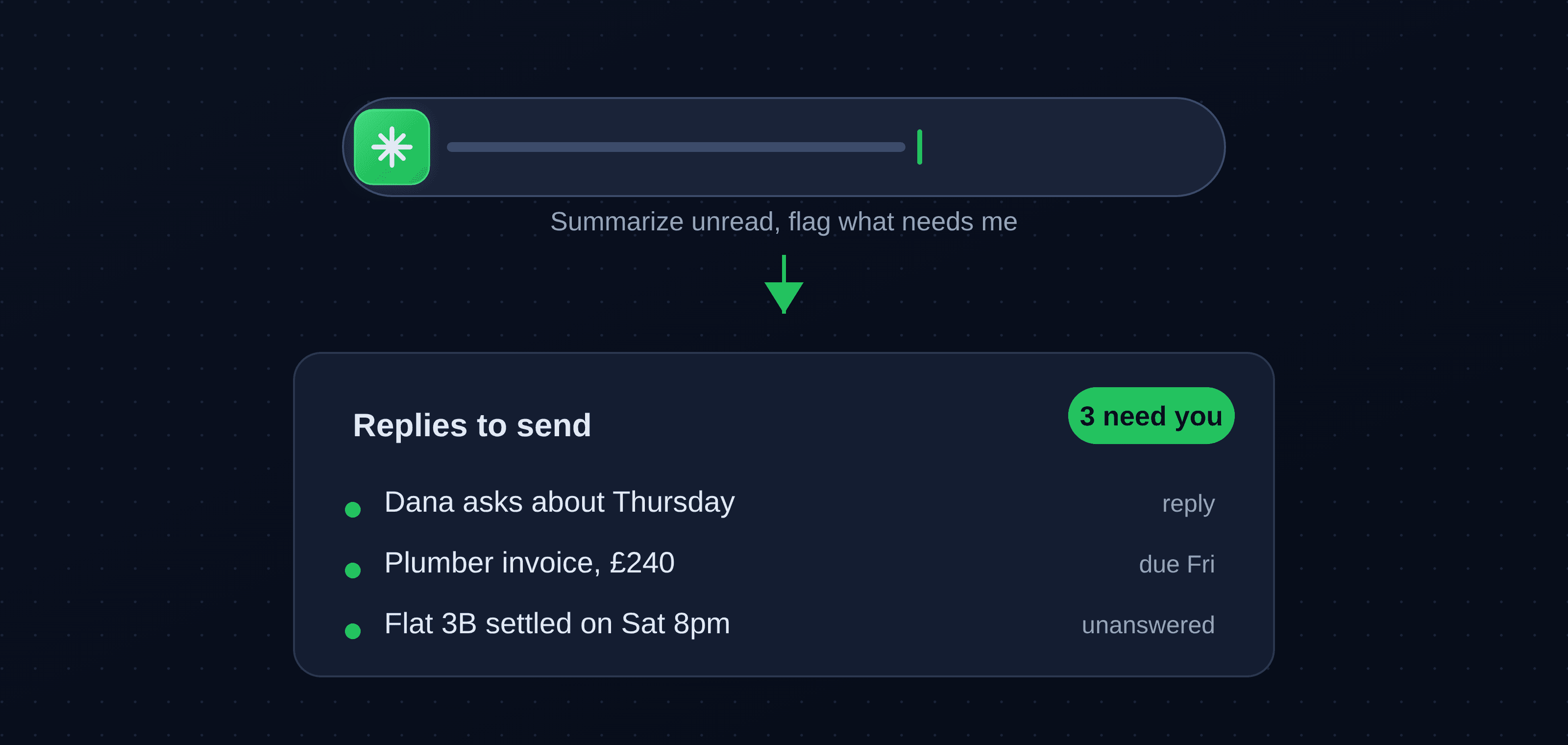
- "Summarize everything unread since yesterday, grouped by chat, and flag what needs a reply today." Your morning in one message instead of twenty minutes of scrolling.
- "Which of my unread messages are actually a question directed at me?" Cuts the noise down to the handful that genuinely need you.
Replying
- "Draft a warm, two-line reply to the plumber saying Friday works." You read it, change a word, send it.
- "Reply to Dana in my voice: short, friendly, no exclamation marks." Teach it your tone once and reuse it everywhere.
Finding things
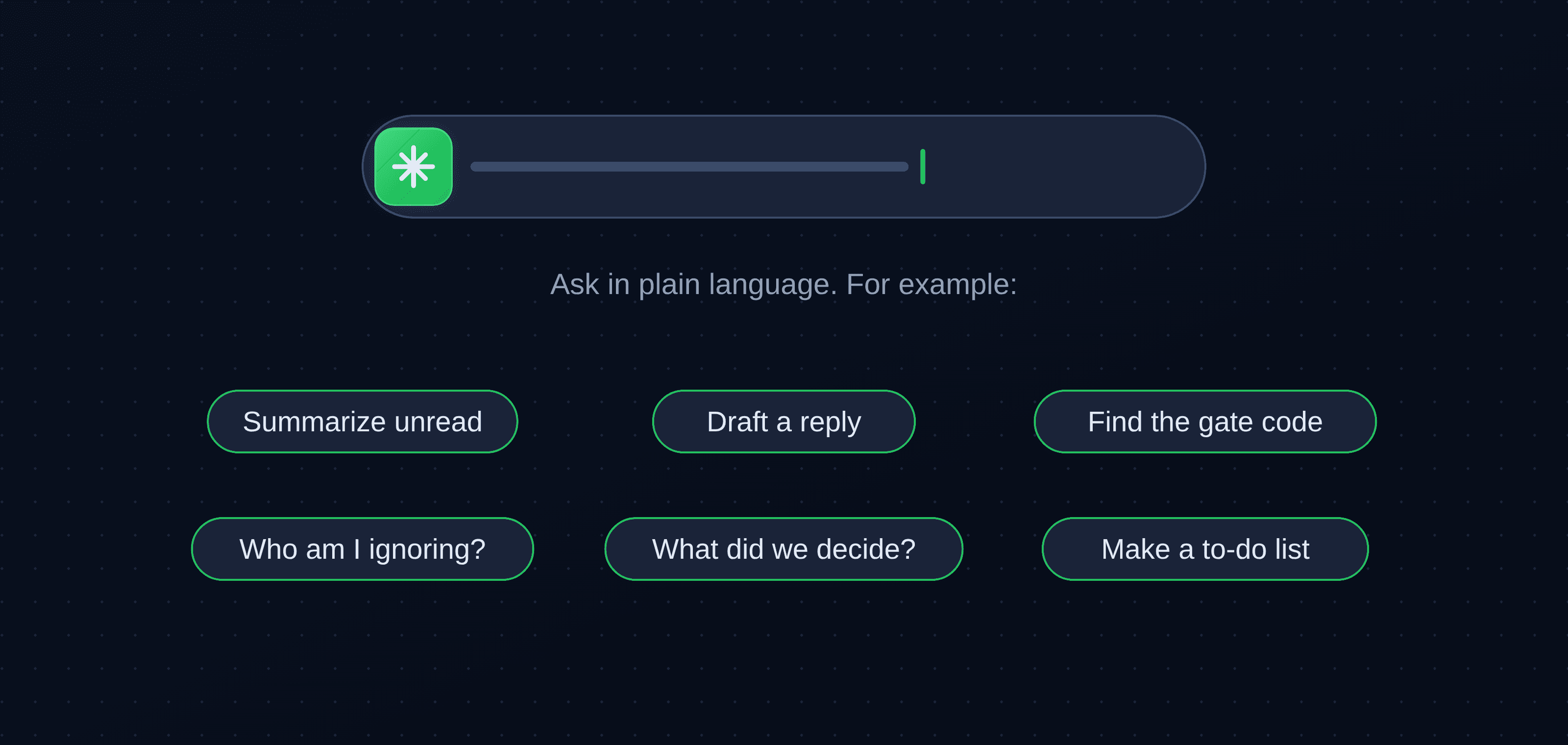
- "When did the landlord send the gate code?" Plain-language search across your whole history, answered in seconds.
- "Find every message where I promised to do something and have not done it yet." Surfaces the open loops you opened yourself.
Staying on top
- "Who am I leaving on read? List the chats I have not replied to in three days or more." The polite-nudge list, built for you.
- "Remind me of any birthdays, events or deadlines mentioned in my chats this week." Nothing slips just because it was buried.
Groups and work
- "Summarize the Flat 3B thread: what was decided, and what is still open." Catch up on a 200-message group in one line.
- "Turn the action items from my chat with the contractor into a to-do list." Chat to tasks, without the copy-and-paste.
Make them yours
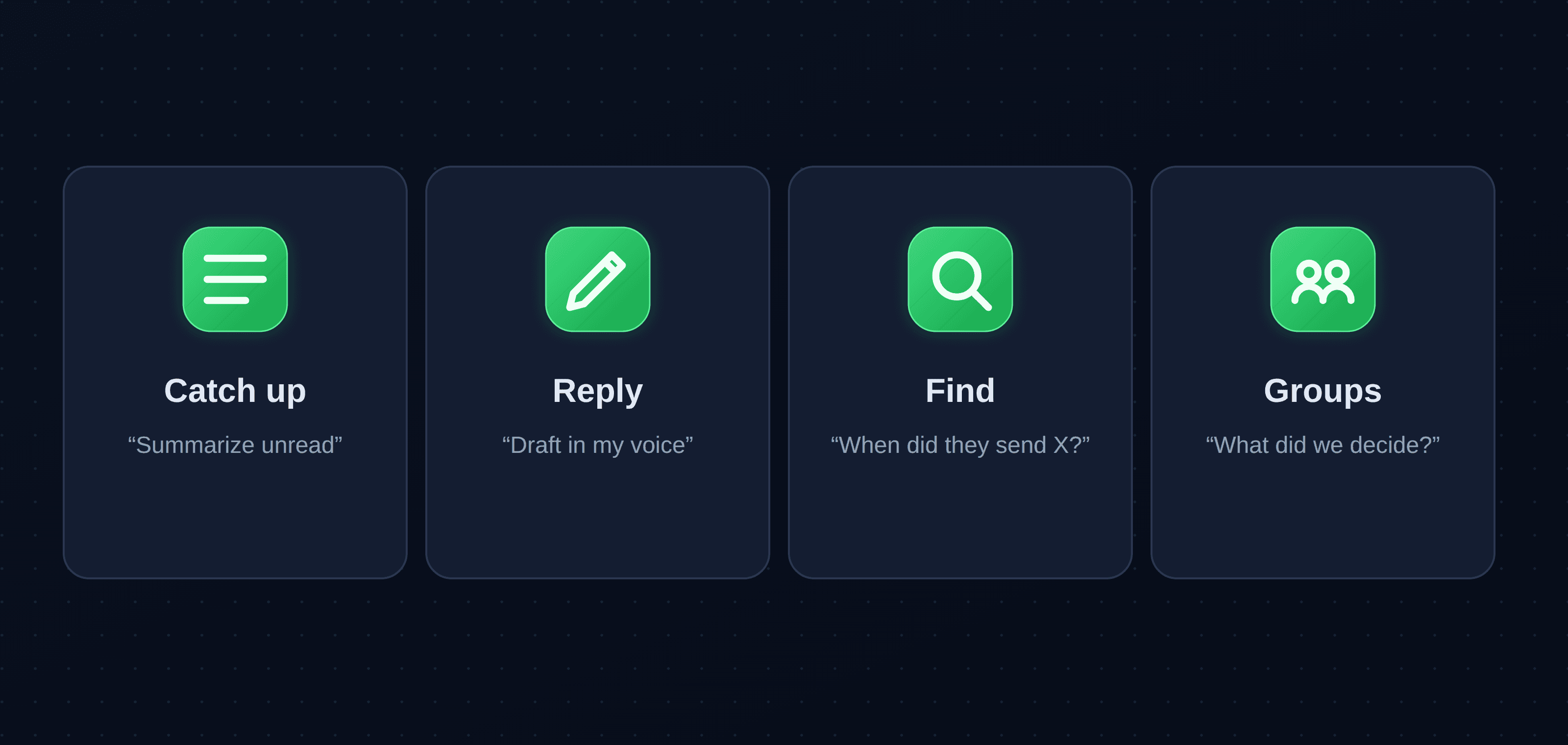
The pattern behind all ten is the same: say what you want, name the chat or person, and set the tone or the format. The more specific you are, the sharper the result. A good habit is to start read-only, with summaries and search, before you let it reply, and to keep approval on for anything that goes out. For how this feels day to day, see a week of letting AI triage my WhatsApp.
Key takeaways
- The value is in the asking: one connection covers triage, drafting, search, and turning chats into tasks.
- The best starters are a morning digest, drafts in your voice, plain-language search, and an open-loops check.
- Name the chat and set the tone or format, and the results get noticeably better.
- Start read-only, keep approvals on, and widen what it does as you come to trust it.
About WhatsMCP Engineering
Engineering Team at WhatsMCP. The team building WhatsMCP's MCP server and SIP bridge — the people who wrote the code these posts describe.