Put an AI Agent on Your WhatsApp: Auto-Reply to Your Customers
For a solo operator or a small team, the WhatsApp inbox is the business, and customers expect a fast reply. You cannot watch it all day, and "we will get back to you" loses the sale. An AI agent closes that gap: it handles the first reply, answers the questions you get asked a hundred times, and brings you in when it actually matters.
What an AI agent does on your WhatsApp
An agent sits on your business number and replies to incoming customer messages on its own. It answers from the information you give it, collects the details you need, and hands the conversation to a human when it is out of its depth. You stay in charge of its tone, what it is allowed to handle, and when it steps back.
Answers from your knowledge base, not guesses
This is the part that makes or breaks it: an agent is only as good as what it knows. Give it your FAQ, your prices, your opening hours, your policies and your docs, and it answers from those. Load it with nothing and it will cheerfully make things up, which is the last thing you want facing a customer. So you feed it your real information first, and it grounds every reply in that.
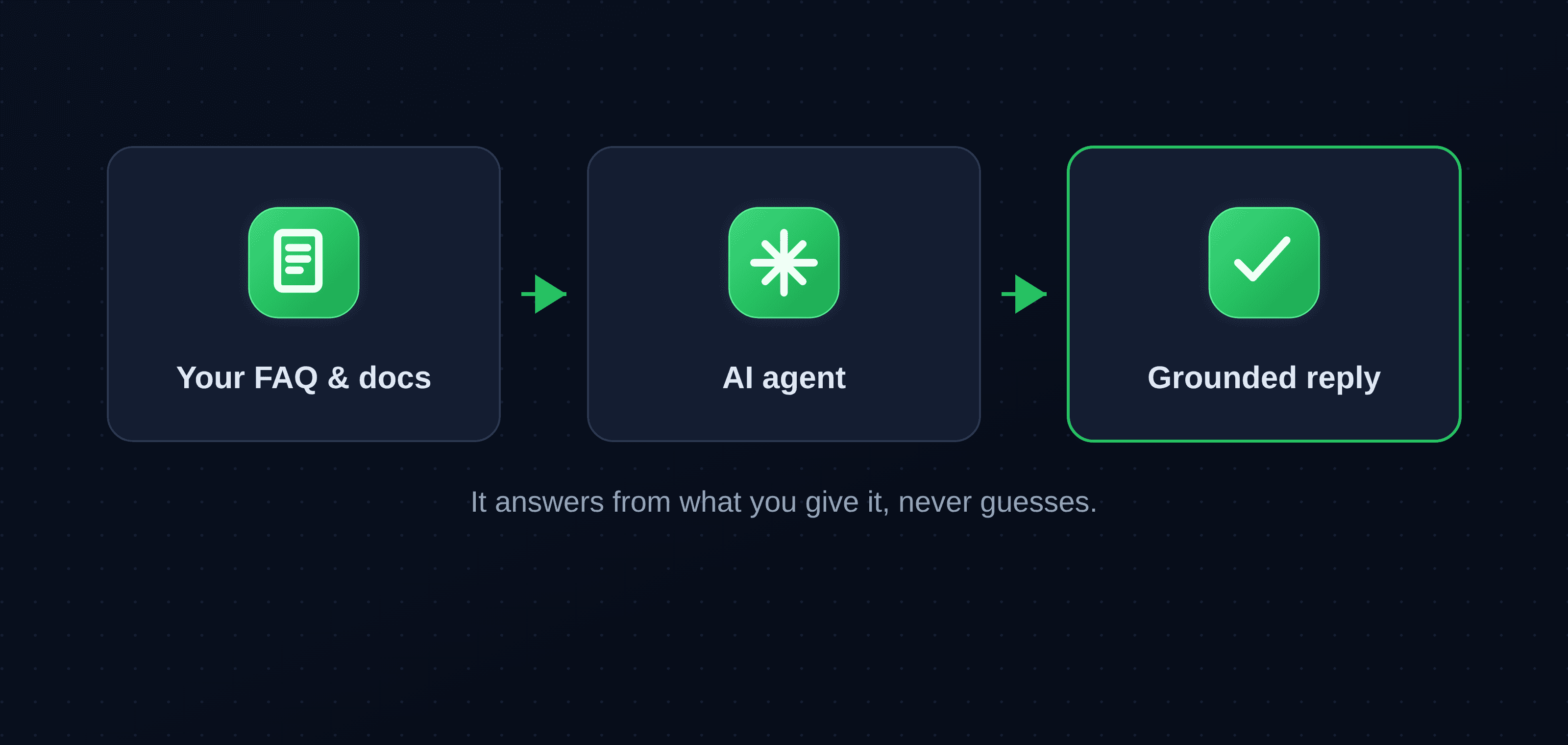
It knows when to hand over
Not every message should be automated, and a good agent knows the difference. When a customer asks something outside what it has been given, or simply asks for a person, it hands the conversation to you with the full context, so you pick up where it left off rather than starting cold. Nothing important gets trapped in a bot loop.
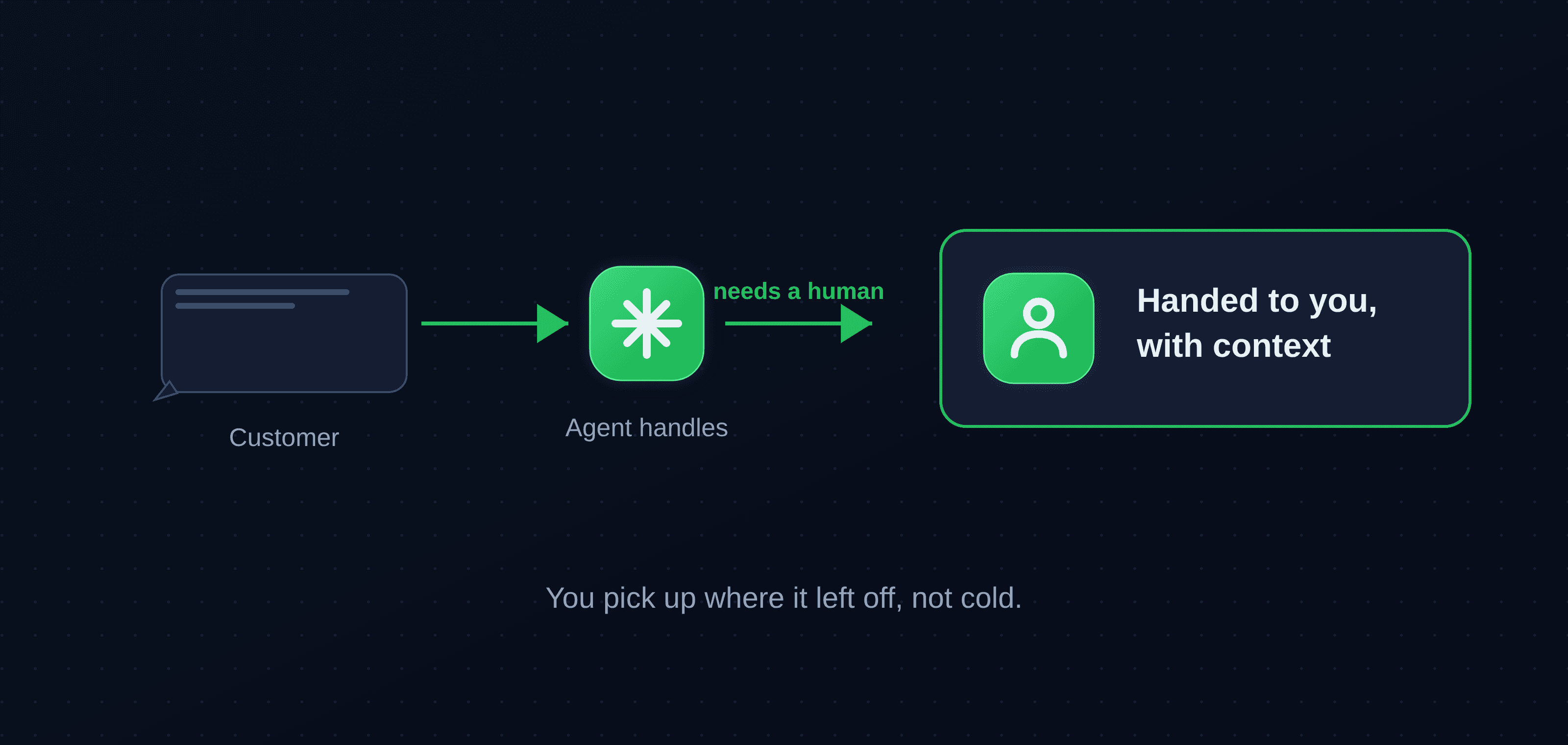
Set the scope
You decide the boundary. Common questions, lead intake and bookings are a good fit for the agent; complaints and anything sensitive should always go straight to a person. Start narrow, with answering FAQs and collecting details, and widen what it handles as you see it getting things right.
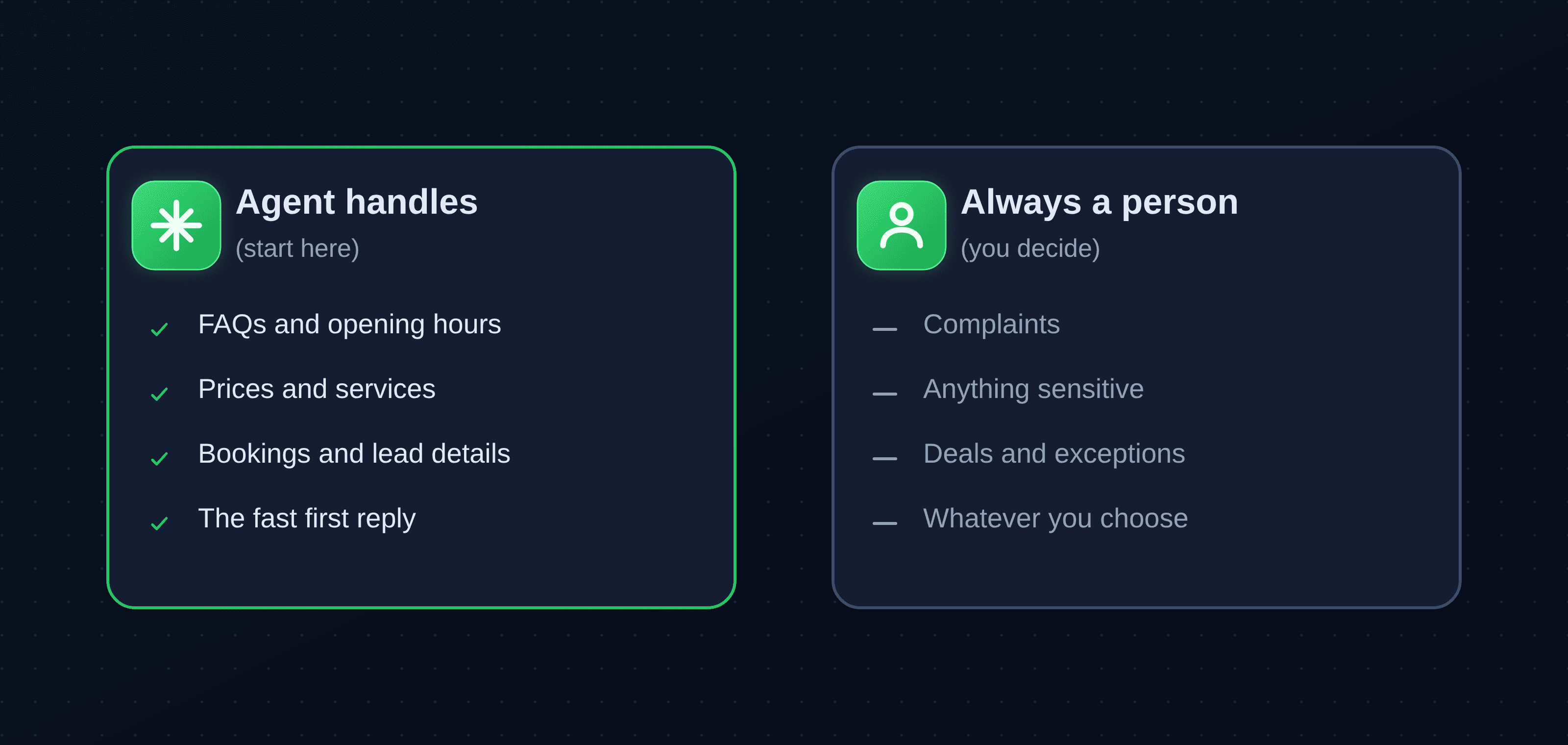
Who it is for
Agencies, creators, consultants, local shops, clinics: anyone whose customers reach them on WhatsApp and who cannot sit on the inbox all day. If a faster first reply would win you more work, this is for you.
Use an official number for business
For a customer-facing setup, the official WhatsApp Business Platform (the Cloud API) is the right foundation: sanctioned by Meta, with message templates and delivery, and no gray area. The AI agent sits on top of it. See personal WhatsApp vs the Business API for why that matters, and how to call customers from your business number for the voice side.
Getting started
Connect a number, add your knowledge base, set the scope, and turn it on. Start with it answering your top questions and collecting leads, keep an eye on the handovers, and let it do more as you trust it.
Key takeaways
- An AI agent gives customers a fast first reply on WhatsApp and only brings you in when it matters.
- It answers from your knowledge base, so load it with your real FAQ, prices and policies; without them it invents answers.
- It hands over to a human with full context, and you set the scope of what it handles.
- Best fit: solo operators and small teams whose customers message on WhatsApp.
- For business use, put it on the official Business API number.
About WhatsMCP Engineering
Engineering Team at WhatsMCP. The team building WhatsMCP's MCP server and SIP bridge — the people who wrote the code these posts describe.