I Let AI Triage My WhatsApp for a Week — Here's What It Caught
My WhatsApp had become the place things went to get lost. A few hundred unread across family threads, two client chats, a five-person logistics group, and the one friend who sends seven voice notes in a row. The messages that actually needed me were in there somewhere — so were the ones I could safely ignore for a month. I just couldn't tell which was which without scrolling past all of it.
So for a week I handed the whole mess to an AI. I connected my personal number to Claude over WhatsMCP, and every morning I asked it the same question: what did I miss, and what actually needs me today?
Here's what happened.
The setup took about two minutes
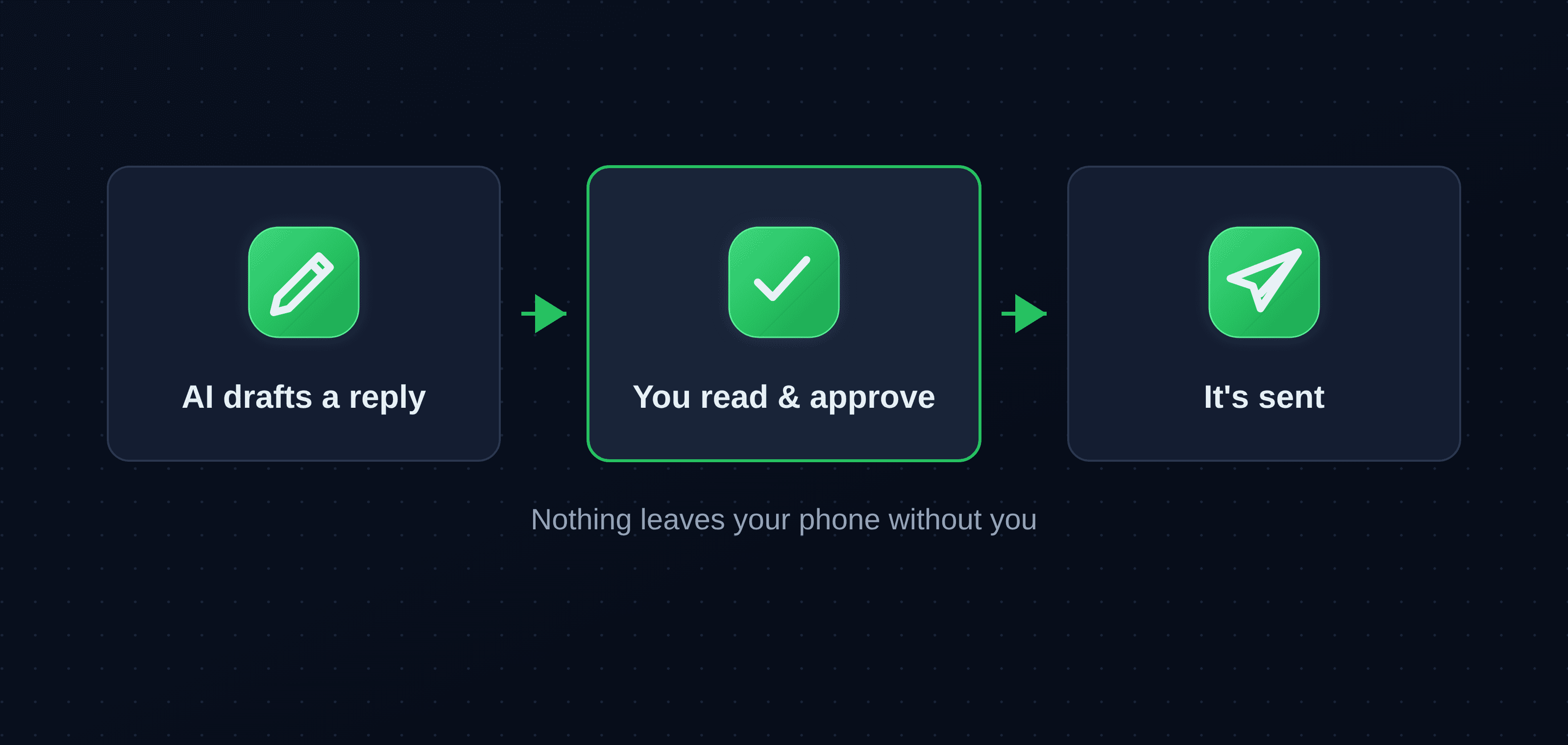
No new app, no second phone. WhatsMCP links your existing number the same way WhatsApp Web does — you scan a code once — and exposes your chats to your AI assistant over the Model Context Protocol. I used Claude; ChatGPT and Grok work the same way. From then on, the assistant could read and send messages when I asked it to. It never sends anything on its own — it drafts, you approve.
What I actually asked it
A handful of prompts did most of the work:
- "Summarize everything unread since yesterday, grouped by chat, most important first."
- "Which of these are actually a question directed at me?"
- "Did anyone follow up on something I said I'd do?"
- "Draft a warm two-line reply to the plumber — say Friday works."
That was the whole routine. Two minutes with coffee instead of twenty minutes of thumb-scrolling.
What it caught
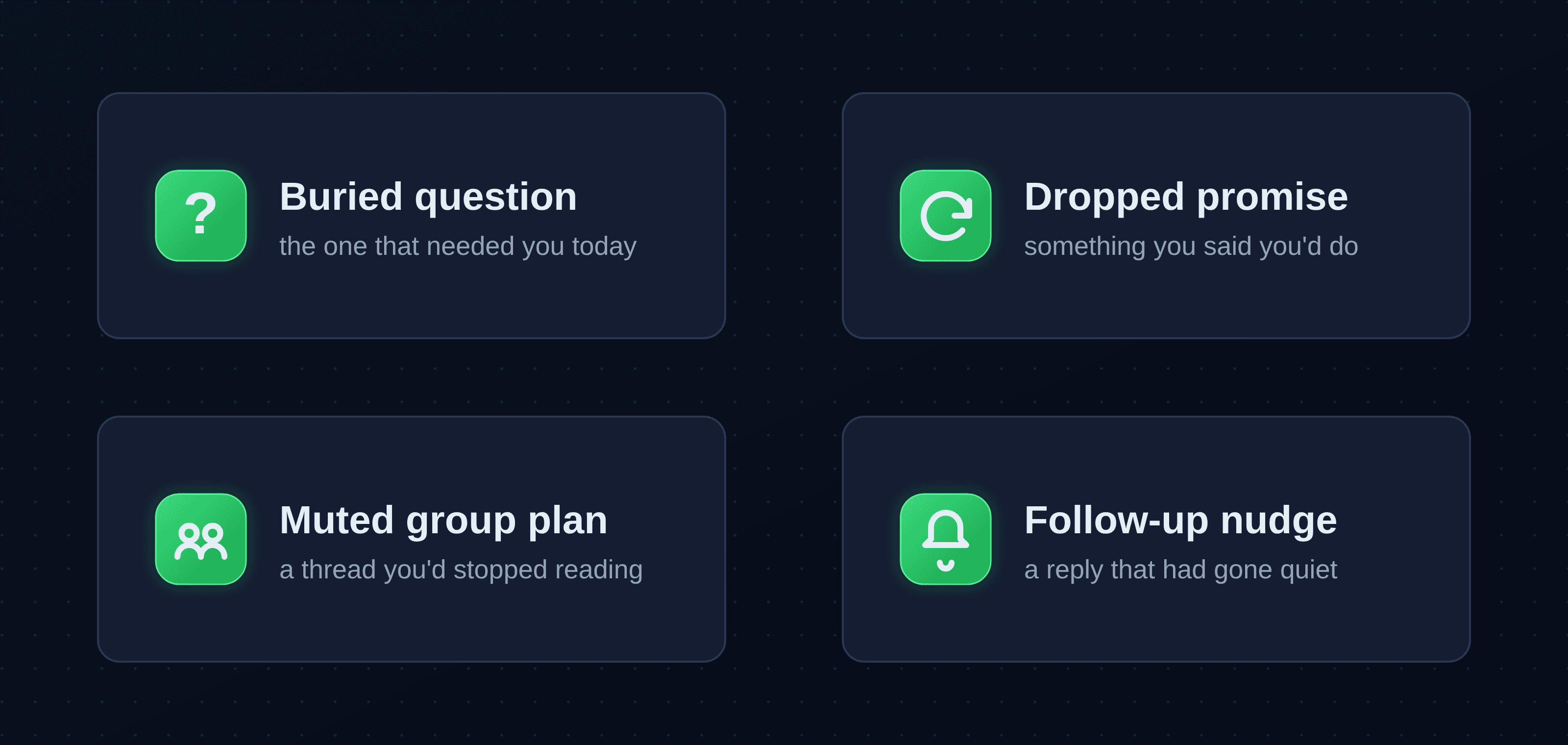
The point of triage isn't to read everything. It's to surface the few things that matter. Over the week, the wins clustered into four kinds:
- The buried question. A client's "are we still on for Thursday?" sitting four messages deep under a pile of logistics chatter. I'd have seen it eventually — probably Thursday.
- The thing I'd promised. I'd told someone "I'll send the address" and never did. The assistant flagged it as an open loop I'd opened myself, which is exactly the kind of thing I forget.
- The group-chat plan. A dinner being organized in a 40-message thread I'd muted. One line — "they've settled on 8pm Saturday, you haven't replied" — and I was back in it.
- The follow-up that needed a nudge. A quote I was waiting on had gone quiet for five days. It drafted the polite chase for me; I read it, tweaked a word, sent it.
None of these are dramatic. That's the point — they're the small, time-sensitive things that fall through precisely because they're small.
What it got wrong
A demo that only lists wins isn't worth much, so here are the limits I hit:
- Tone on drafts ran formal. Left alone it wrote like a press release. "Make it sound like me — shorter, no exclamation marks" fixed it, but I had to ask.
- It takes things literally. A sarcastic "oh great, another meeting" got summarized as enthusiasm once. Context and jokes are still yours to catch.
- It only sees what you point it at. Images and voice notes aren't read unless you ask it to pull them in, so a plan buried in a screenshot can still slip past.
The common thread: it's a triage assistant, not an autopilot. You stay in the loop on everything that leaves your phone — which, for your personal WhatsApp, is exactly where you want to be.
The part I didn't expect
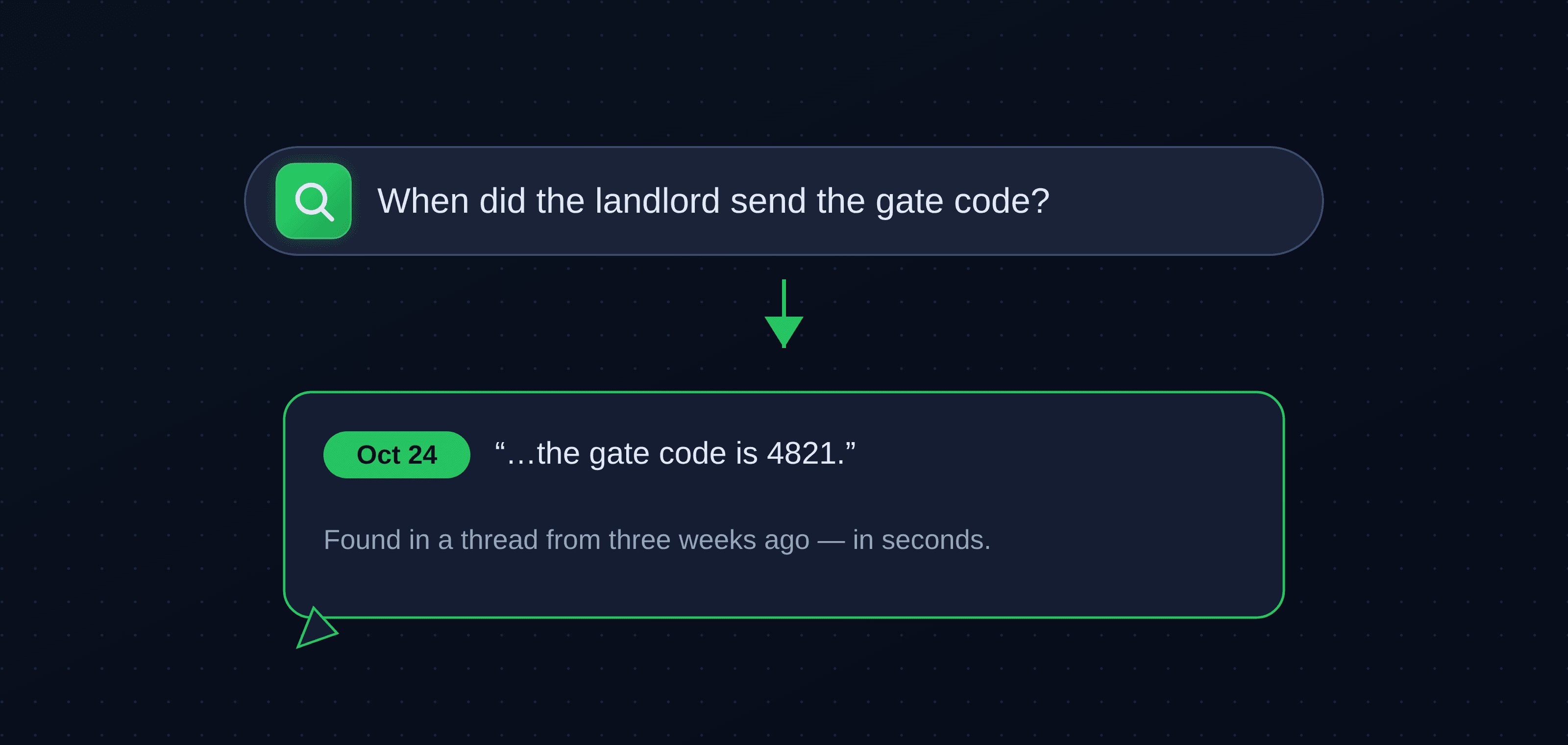
Search. Not keyword search — asking in plain language across my entire history. "When did the landlord send the new gate code?" came back in seconds with the message and the date. "What did we agree on about splitting the bill?" pulled the exact line from a thread three weeks back. WhatsApp's own search makes you remember the words; this just needed the gist.
By day three I was reaching for that more than the morning summary.
Who this is actually for
If you run customer support, WhatsMCP does that too — but that's a different article. The week convinced me the sweet spot is simpler: anyone whose personal and light-work messaging has outgrown their attention. You don't want a bot answering for you. You want something that reads the firehose, tells you the three things that matter, and drafts the replies you were dreading.
Try it with your own AI
You bring the assistant — Claude, ChatGPT or Grok — and WhatsMCP is the bridge to your WhatsApp. It's free to start, and the only setup is scanning a code once. Give it a week and ask it the same question I did: what did I miss, and what needs me today?
Key takeaways
- An AI assistant on WhatsApp is most useful as a triage layer, not an autopilot: it surfaces the few messages that need you and drafts replies you approve.
- The biggest real-world wins are mundane — buried questions, dropped promises, muted group plans, follow-ups that need a nudge.
- Plain-language search across your whole history turned out to be the quietly addictive feature.
- You stay in control: nothing is sent without your say-so, and you'll still want to catch tone and sarcasm yourself.
- Setup is a one-time QR scan with the AI you already use — Claude, ChatGPT or Grok.
About WhatsMCP Engineering
Engineering Team at WhatsMCP. The team building WhatsMCP's MCP server and SIP bridge — the people who wrote the code these posts describe.