Is It Safe to Connect AI to Your WhatsApp?
"Is this safe?" is the right question to ask before you connect anything to your WhatsApp, where years of private conversations live. Here is a straight answer, including the parts most tools gloss over.
What connecting actually does
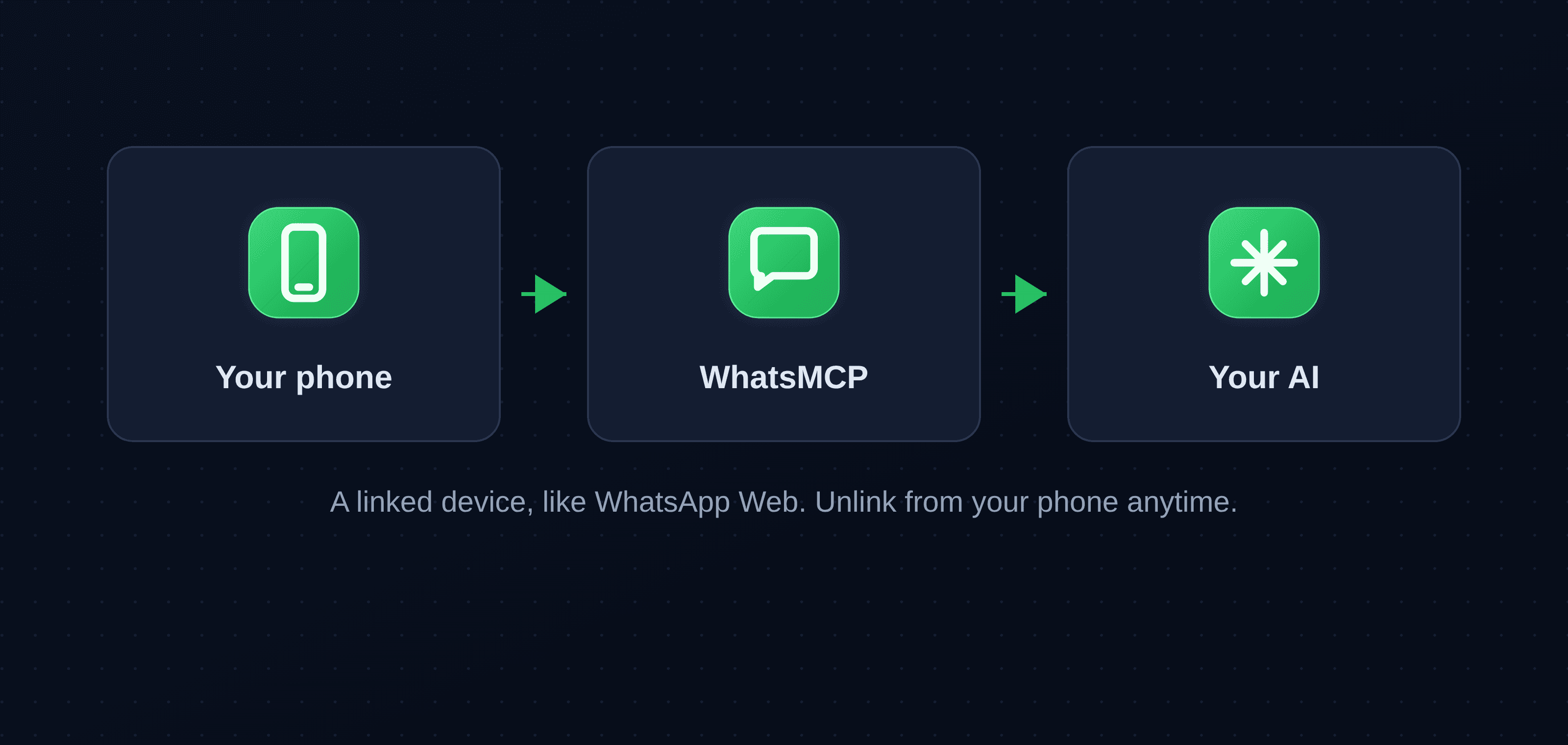
When you link an AI to your WhatsApp through WhatsMCP, you are adding a linked device: the same mechanism as WhatsApp Web or WhatsApp on your laptop. Your number stays yours and stays on your phone. WhatsMCP is simply an extra device that can read and send messages on your account when your assistant asks it to. You can see it listed under Linked Devices in the app, and remove it there in one tap, any time.
Who can see your messages
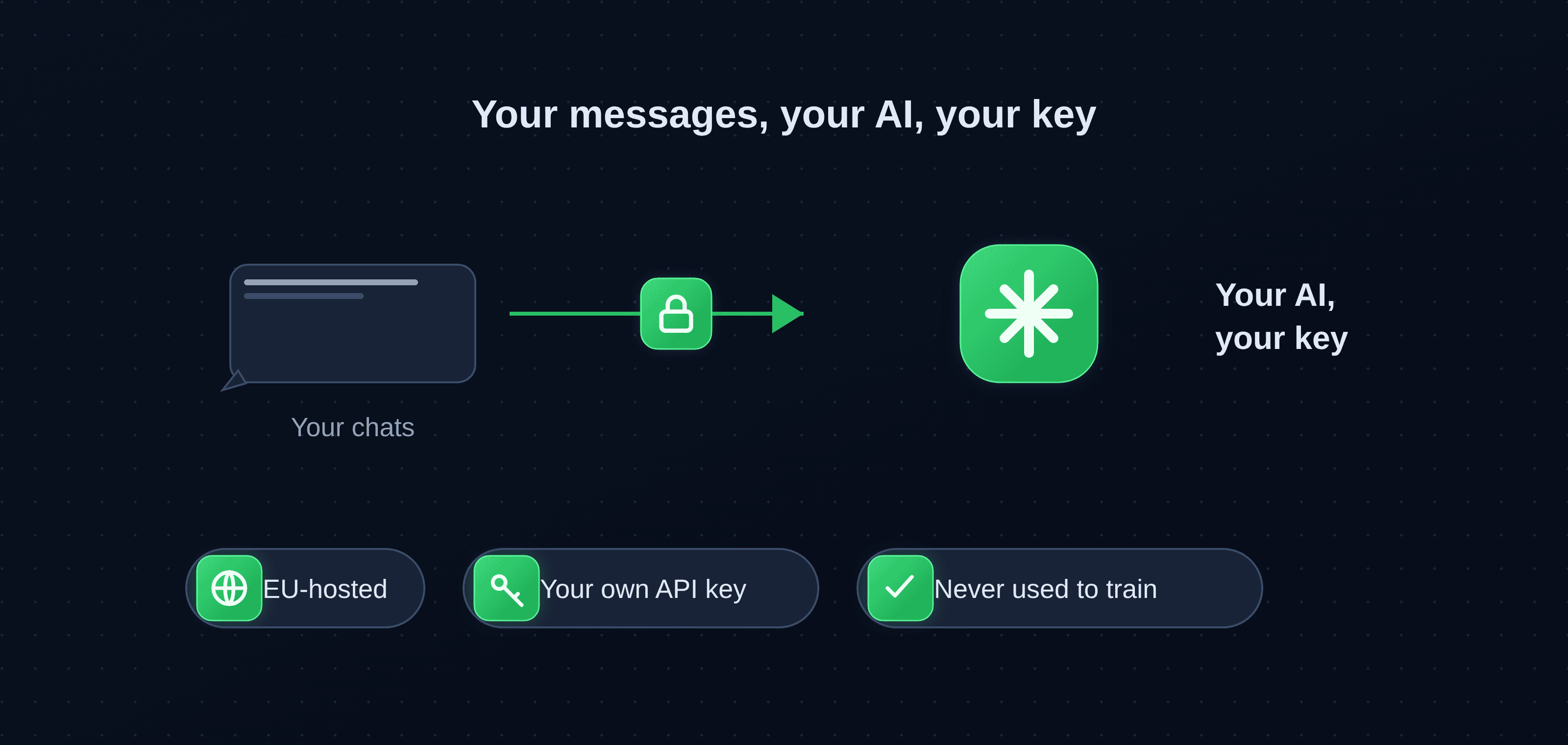
Your messages go to the AI you choose, through your own API key. That is the detail that matters: your conversations are processed by the provider you already use and trust (Claude, ChatGPT or Grok), on a key that belongs to you, rather than pooled through us. We do not read your messages, we do not train anything on them, and we never sell them. The relay that carries them runs on servers hosted in the EU.
You stay in control
For the personal-assistant setup, the AI drafts and you approve what gets sent. Nothing leaves your phone on its own unless you deliberately set up an automation, and even then you set the rules. A good way to begin is read-only: let it summarize and search before you ever let it reply. You can widen what it does once you trust it.
The honest part: official vs unofficial
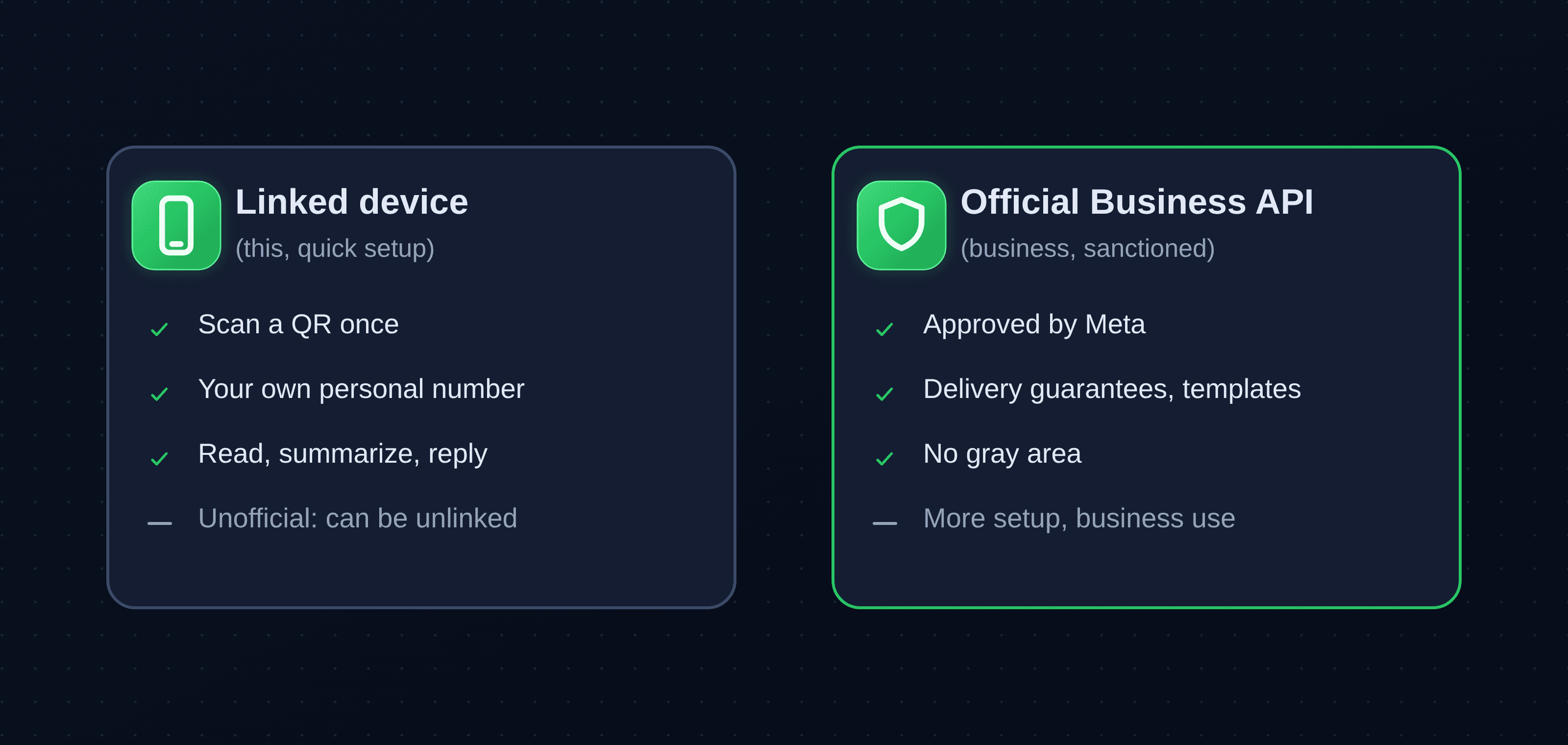
Here is what a lot of pages will not tell you. A linked device is convenient, but it is not Meta's official API, so it sits in a gray area of WhatsApp's terms of service. In practice that means WhatsApp can unlink the device, and you would simply link it again. If you need a sanctioned, business-grade connection with delivery guarantees and no gray area, that is the official WhatsApp Business Platform (the Cloud API), which WhatsMCP also supports. See personal WhatsApp vs the Business API for the full comparison.
Your data, your rules
To put the data questions plainly: hosting is in the EU, you can have your data deleted on request, and a DPA is available on request. Because your AI runs on your own key, the content of your chats goes to the provider you picked, not to us.
Practical safety tips
- Use a dedicated AI API key that you can rotate or revoke.
- Start with read and summarize; turn on sending only when you are ready.
- Keep approval on for anything that goes out.
- If you are ever unsure, unlink from your phone. It is instant and reversible.
The bottom line
Connecting AI to your WhatsApp is, roughly, as safe as using WhatsApp Web, plus the AI provider and key you control, minus Meta's official blessing for the unofficial route. For most individuals that is a fair trade. For a regulated business, use the official Business API instead.
Key takeaways
- WhatsMCP connects as a linked device (like WhatsApp Web); you can unlink from your phone in one tap.
- Your messages are processed by the AI you choose, on your own API key, not pooled through us; EU-hosted, never used for training.
- You stay in control: the assistant drafts, you approve; start read-only.
- The linked-device route is unofficial (a gray area, and the device can be unlinked); the official Business API is the sanctioned path for businesses.
- Data: EU hosting, deletion on request, DPA on request.
About WhatsMCP Engineering
Engineering Team at WhatsMCP. The team building WhatsMCP's MCP server and SIP bridge — the people who wrote the code these posts describe.