Never Miss an Important WhatsApp Again: AI Summaries & Alerts
My WhatsApp has two kinds of message: the ones that can wait a week, and the one that can't wait an hour. The trouble is they arrive in the same place, with the same buzz, and the second kind is outnumbered twenty to one. So you either check constantly, or you miss the thing that mattered.
There's a third option: let an AI watch the inbox and surface only what needs you.
If you've already connected your WhatsApp to an assistant (here's the setup for Claude, ChatGPT or Grok), you're most of the way there. This is what to do with it.
Stop checking, start getting told
The shift is simple: from pulling (opening WhatsApp, scrolling, hoping you catch the important one) to being told. You decide what "important" means once, and your assistant watches for it. The fifty glances a day become one digest and the occasional nudge.
Three ways to never miss
In practice it comes down to three patterns, and you can use all three at once:
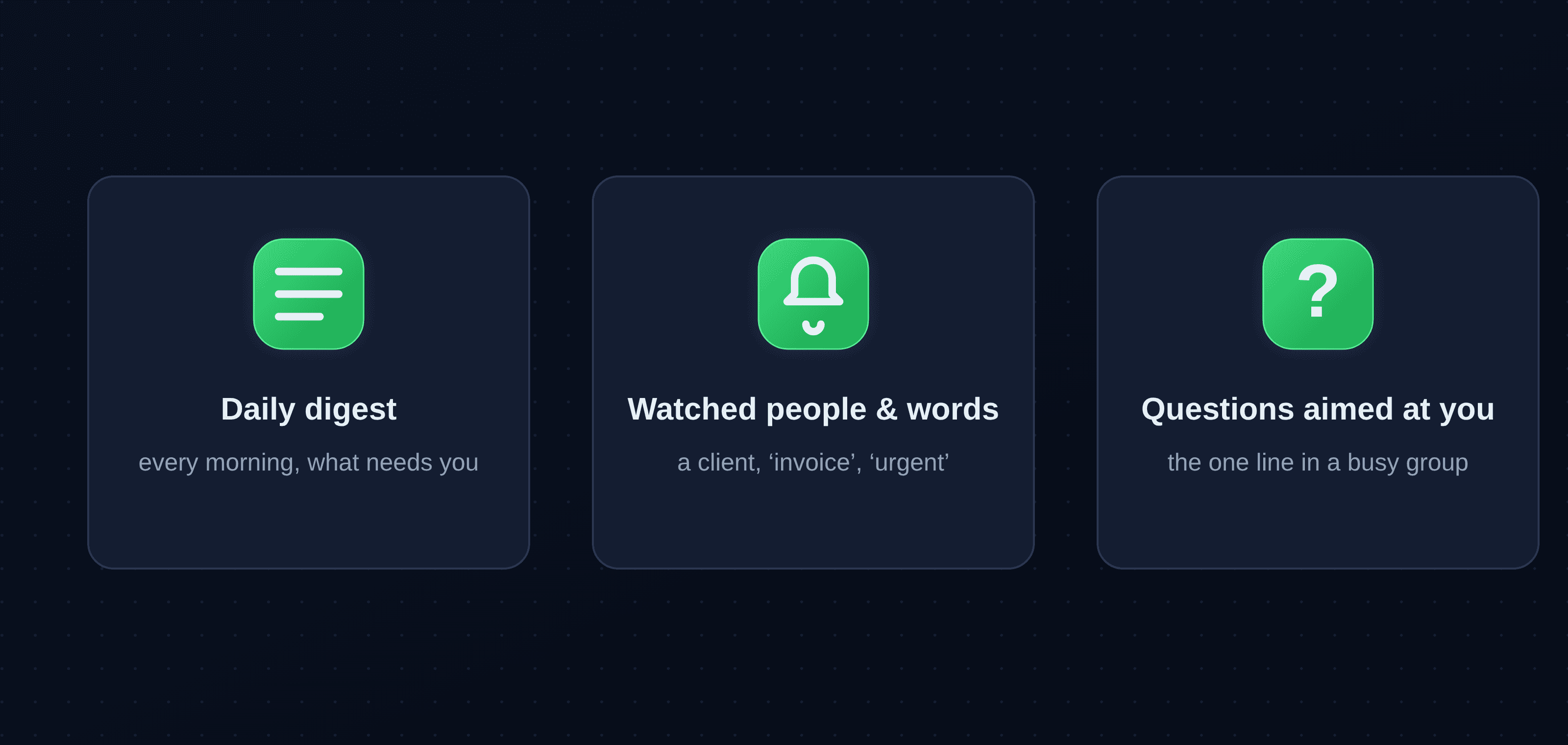
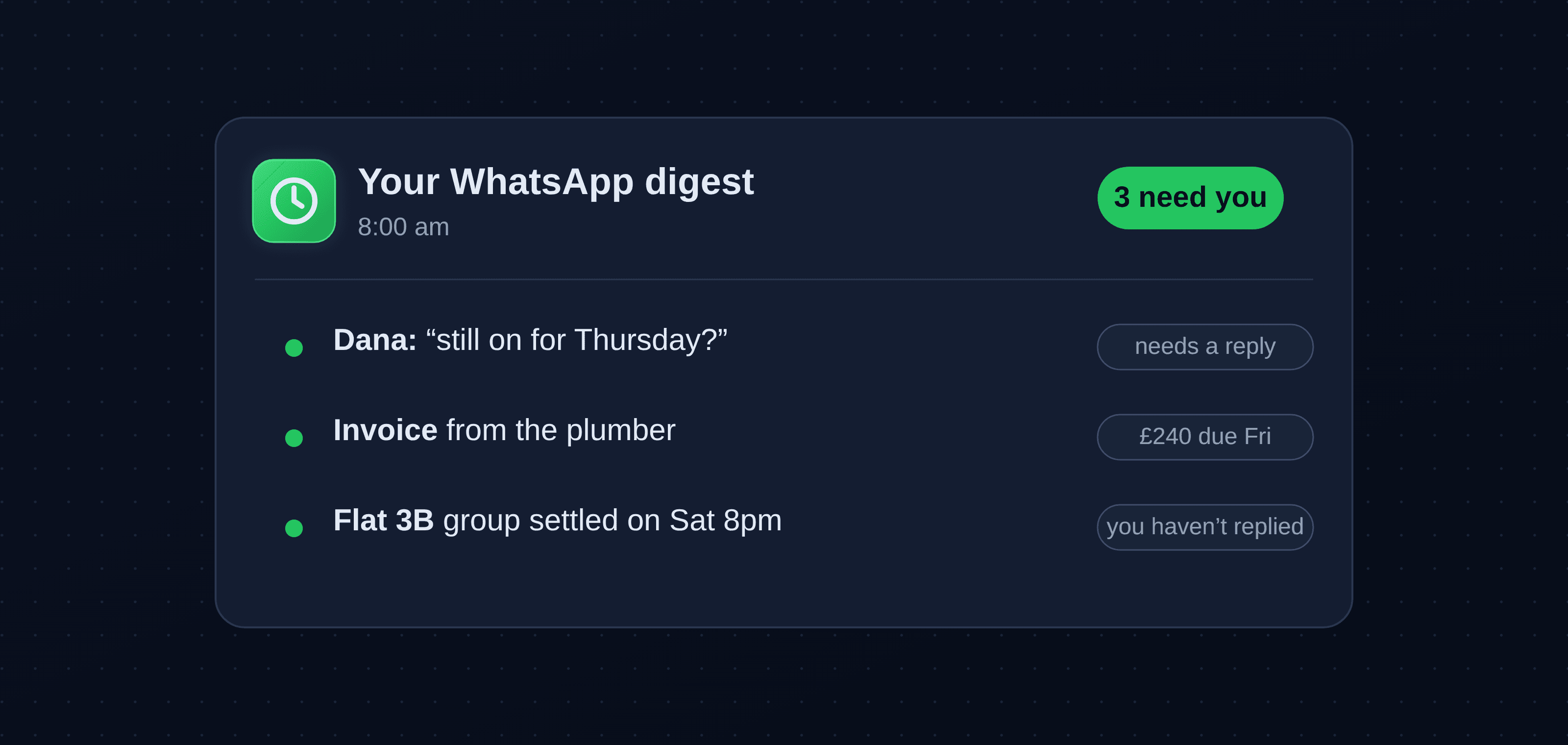
- A daily digest. Once a morning: everything unread, grouped, with the handful that actually need a reply flagged at the top.
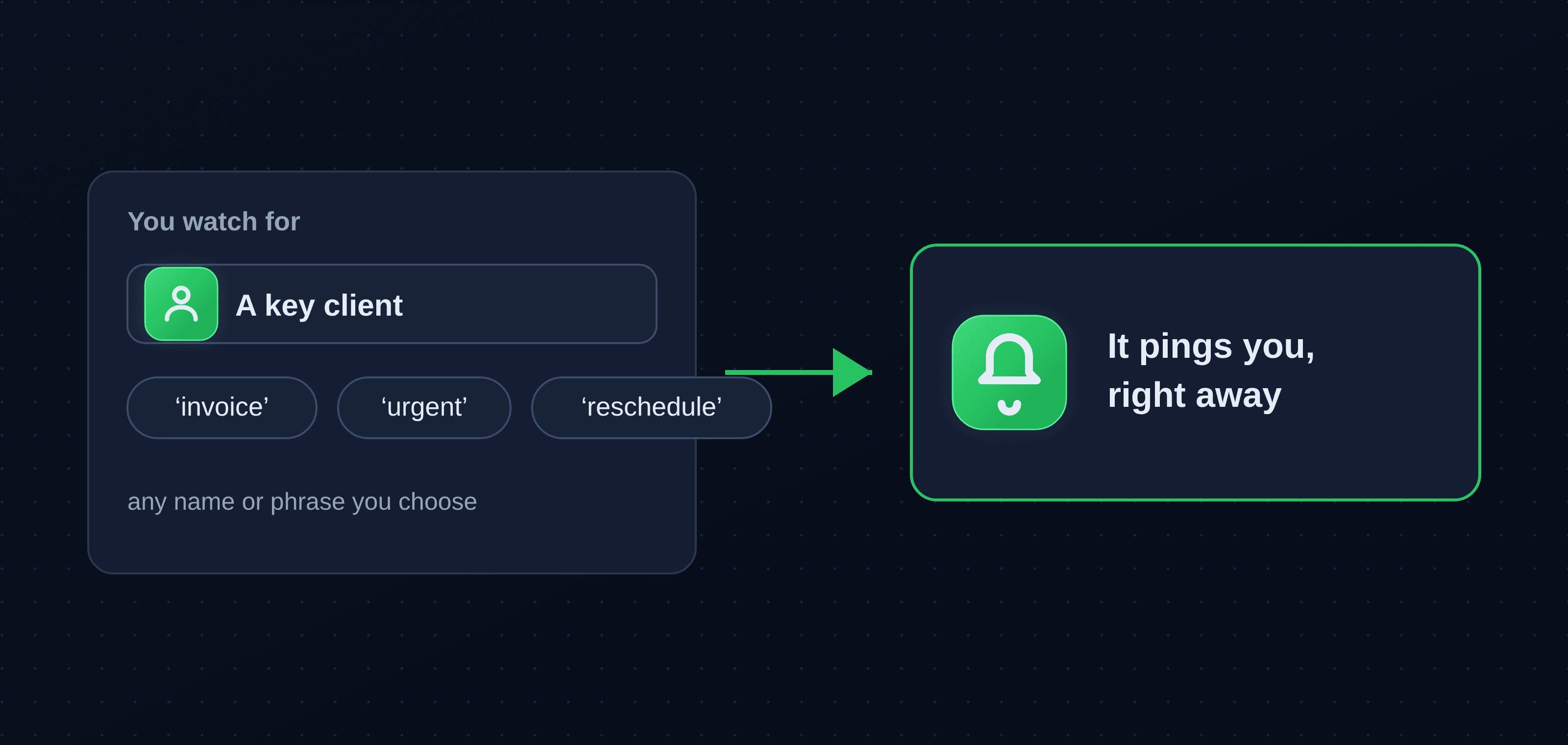
- Watched people and words. The names and phrases you can't afford to miss: a key client, the school, or words like "invoice", "urgent" and "reschedule". Pulled out the moment they appear.
- Questions aimed at you. In a 200-message group you've half-muted, the one line that's actually a question for you, instead of scrollback you'll never read.
How to set it up
These are the instructions that do the work. Give them to your assistant in your own words:
- "Each morning, summarize everything unread and flag what needs a reply today."
- "Watch for messages from Dana or the accountant, or anything containing 'invoice', 'contract' or 'urgent', and tell me as soon as you see them."
- "Across my group chats, find any question directed at me that I haven't answered."
Honest about how the alerts work
WhatsMCP reads your chats when your assistant asks it to; it isn't a push-notification service out of the box, and it's worth being straight about that. In practice you get there two reliable ways: a scheduled digest, where your assistant checks on a timer and messages you, and on-demand, where you ask "what do I need to know?" and get an answer in seconds. If you want true real-time, WhatsMCP also exposes webhooks you can wire to a phone notification. Whichever you pick, you choose the trigger, and nothing buzzes you for noise.
The quiet payoff
The real change isn't the alerts. It's that you stop keeping half an eye on WhatsApp all day. The important message finds you now, so the app stops being a thing you monitor and goes back to being a thing you use. For a deeper look at handing the whole inbox over, see a week of letting AI triage my WhatsApp.
Who this is for
Busy people who've muted the noisy groups but still dread missing the one real message. Solo operators who can't afford to leave a customer on read. Anyone whose important and trivial messages look identical until it's too late.
Try it
Bring the assistant you already use, whether Claude, ChatGPT or Grok, and WhatsMCP connects it to your WhatsApp. It's free to start, and the only setup is scanning a code once. Then tell it what you never want to miss.
Key takeaways
- WhatsApp buries the few messages that matter; an AI assistant can watch for them so you don't have to check constantly.
- Three patterns cover most needs: a daily digest, watched people and keywords, and questions aimed at you in busy groups.
- It's pull-based by default, so use a scheduled digest or on-demand checks, or wire webhooks for real-time.
- You define "important" once; nothing alerts you for noise.
- Setup is a one-time QR scan with the AI you already use.
About WhatsMCP Engineering
Engineering Team at WhatsMCP. The team building WhatsMCP's MCP server and SIP bridge — the people who wrote the code these posts describe.